Comparison
LumaStage or a desktop tool — which fits your team?
Classic desktop tools render well — for a single seat. LumaStage covers the entire workflow in the browser — from CAD import to the finished product image. The fair comparison.
- No installation
- GDPR-compliant
- Made in Germany

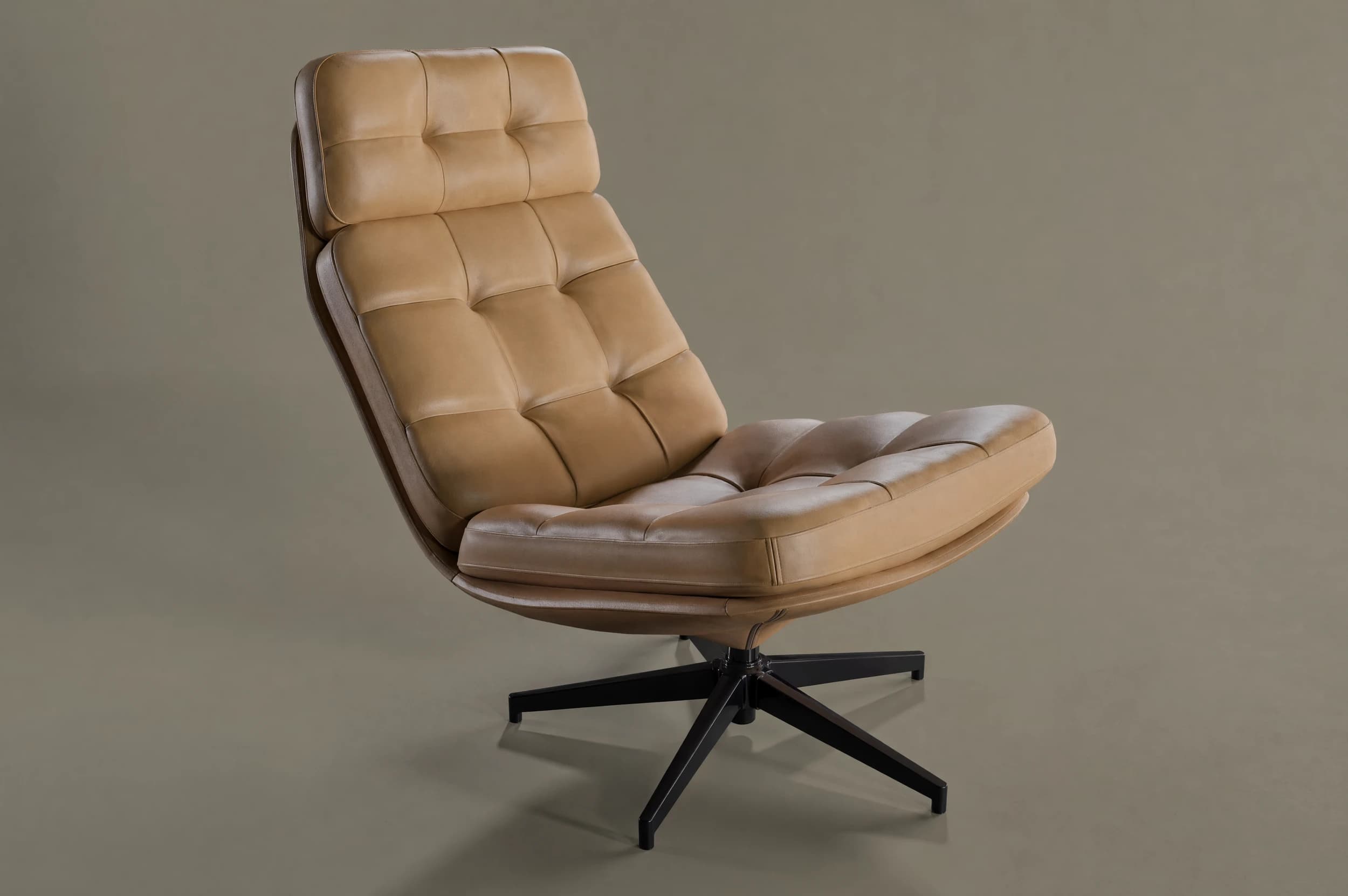
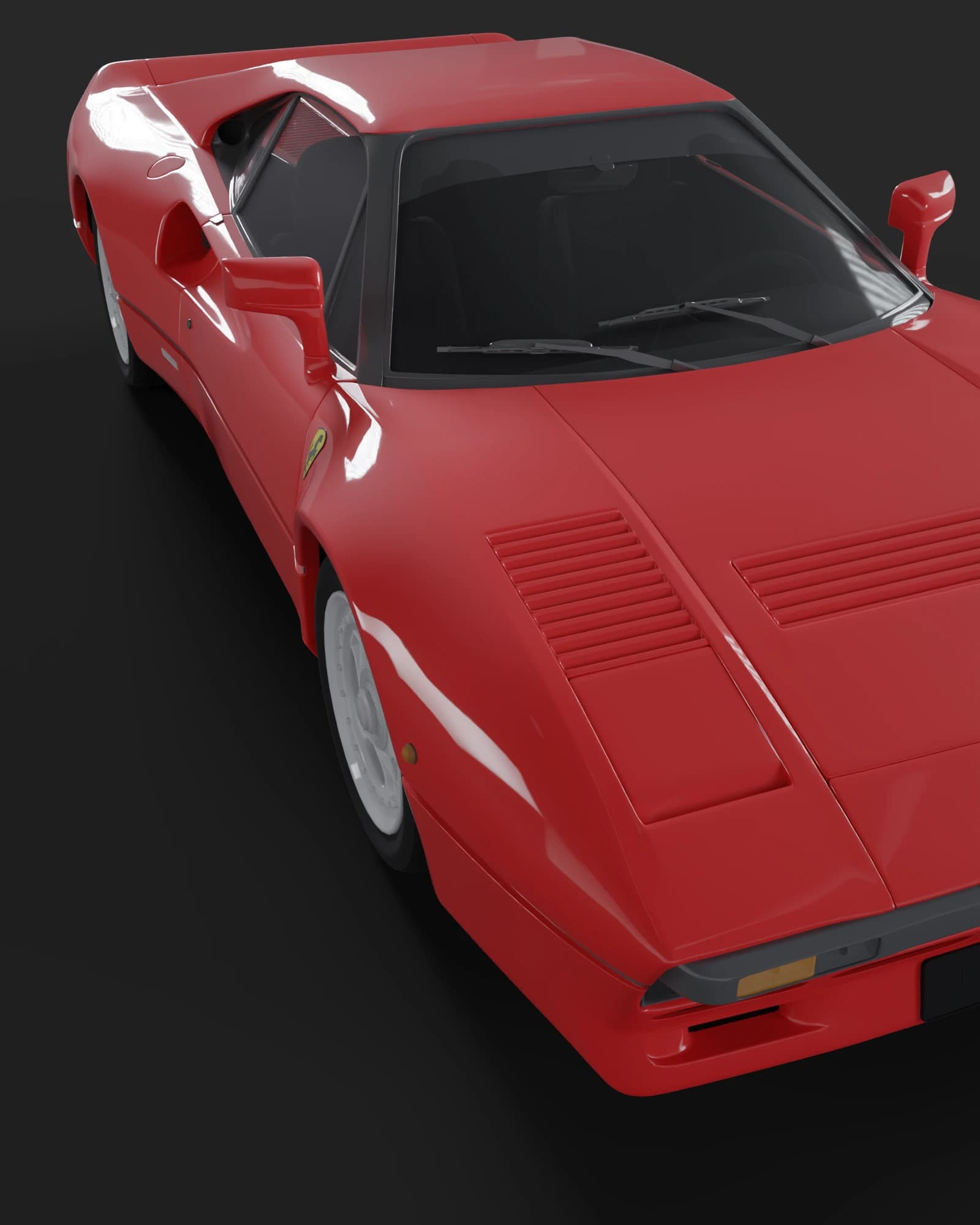
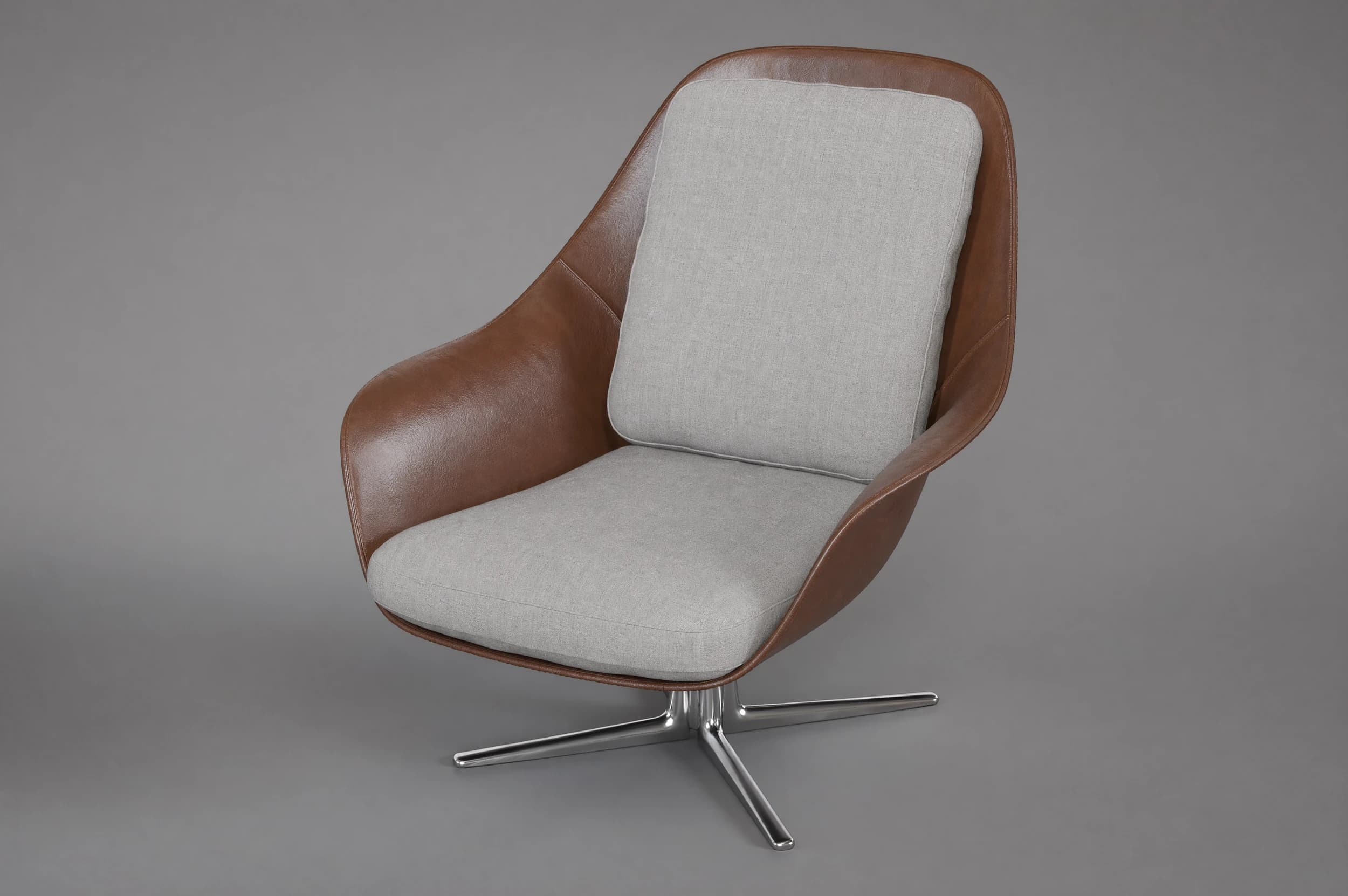
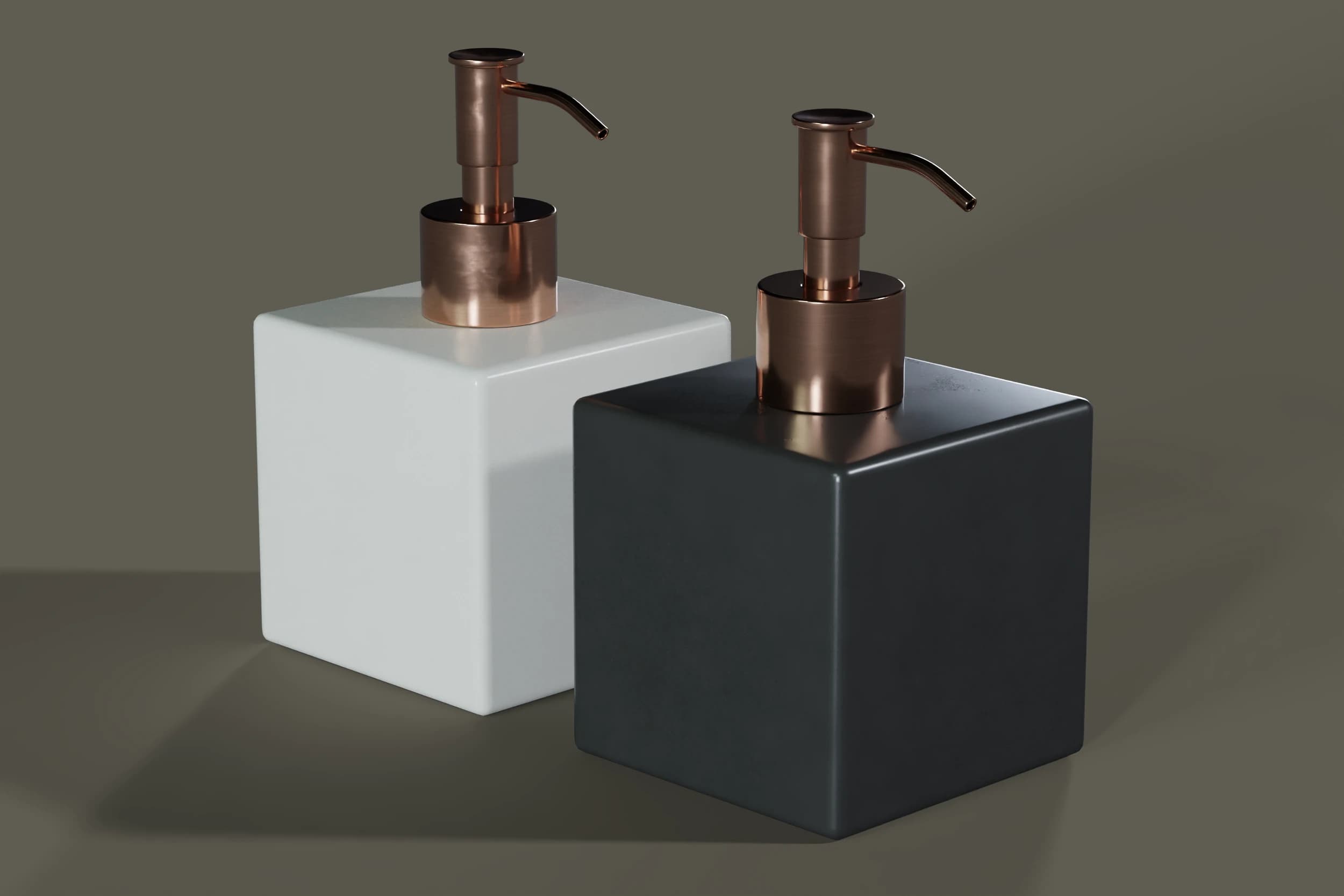
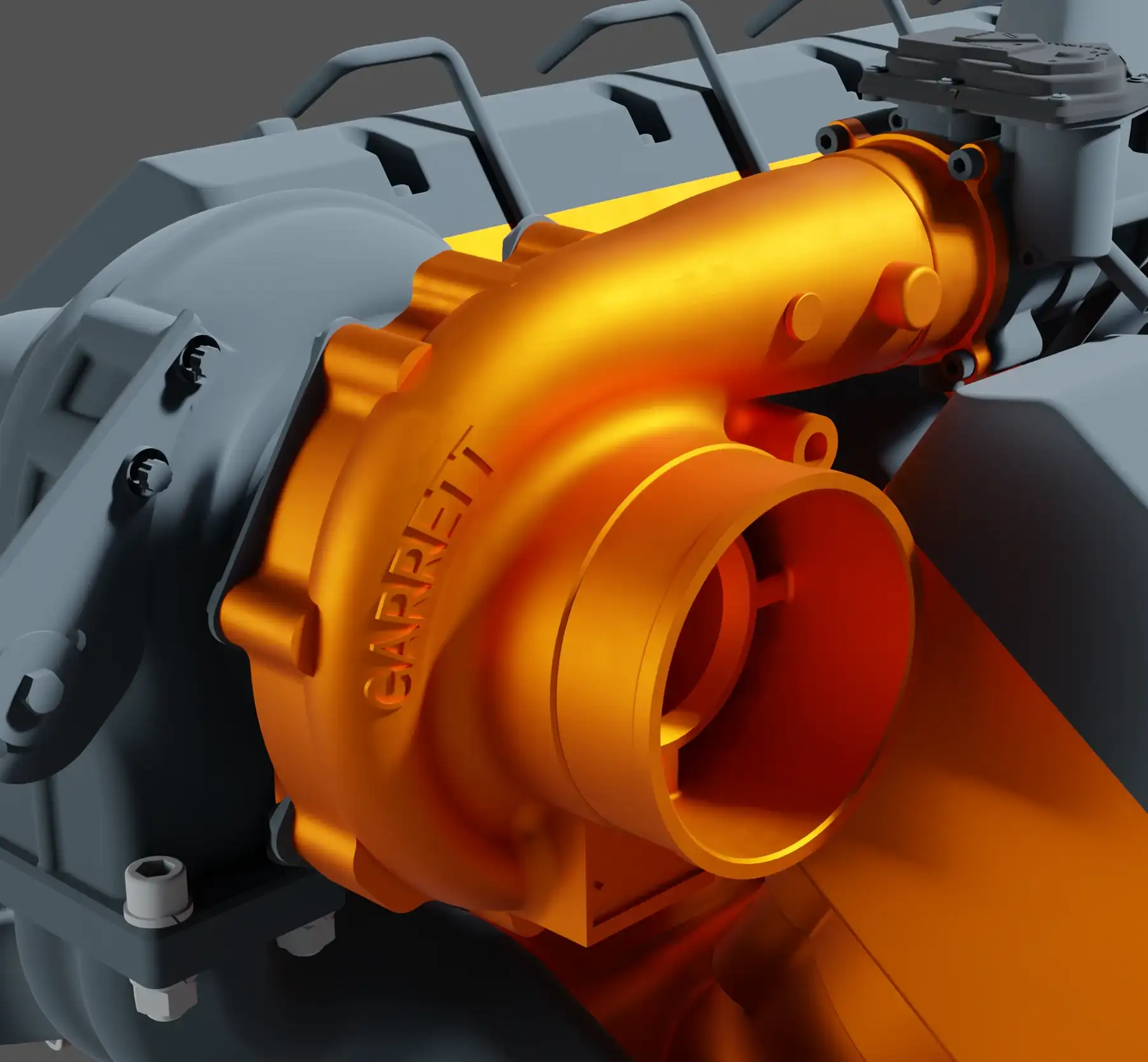
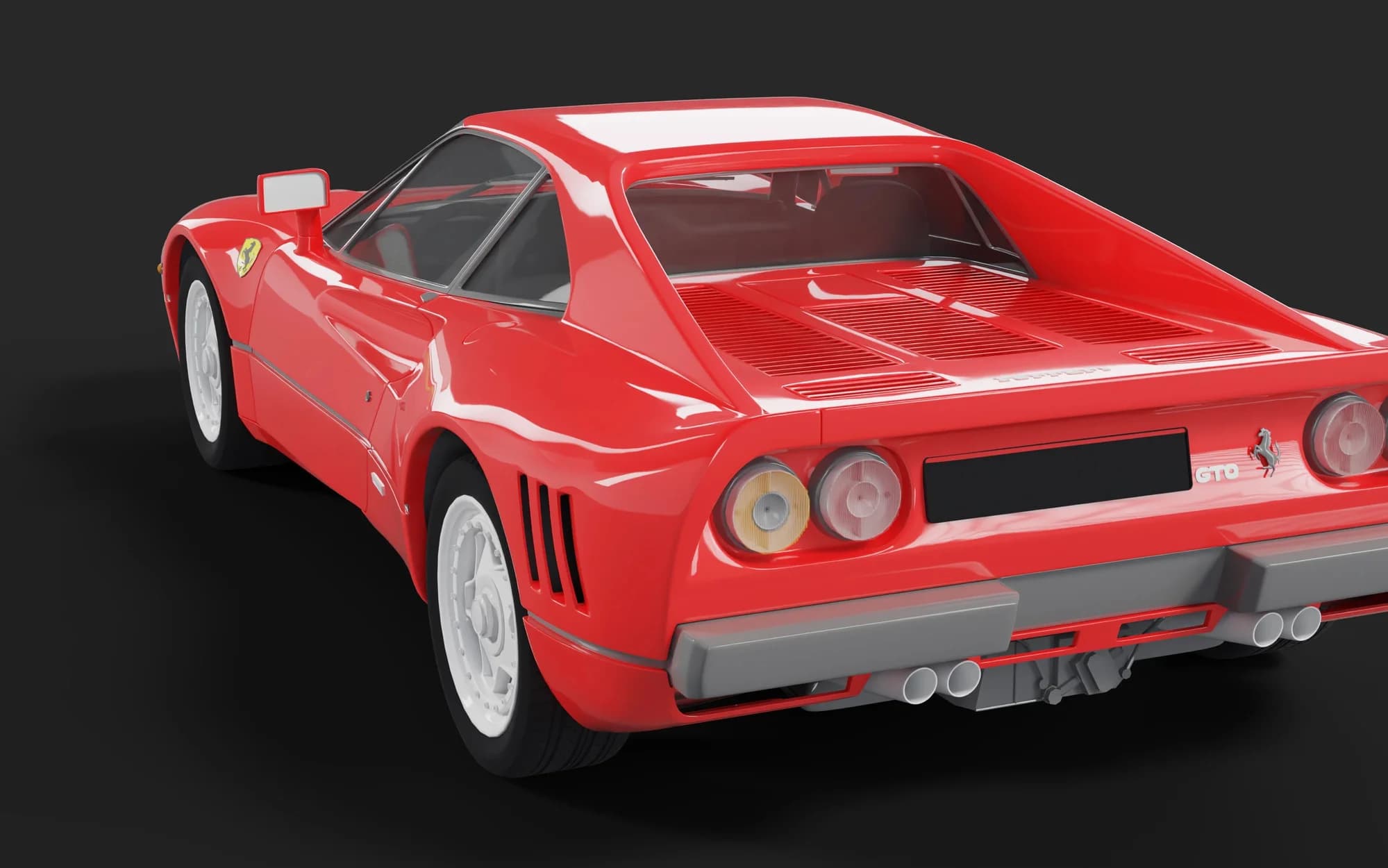


Feature by feature
The direct comparison
| Dimension | Classic desktop tools | LumaStageRecommended |
|---|---|---|
| Platform | ||
| Deployment | Desktop install, per workstation | Browser, no installation |
| Hardware | powerful workstation required | any browser; rendering server-side |
| Target | Single seat / designer | End-to-end team workflow |
| Workflow | ||
| Asset management & versioning | external / manual | built in |
| 3D optimization (reduction, hollowing, compression) | not included | built in |
| Collaboration | Single licenses | Multi-user, tenants, roles, shared libraries |
| Formats | import-focused | CAD / mesh / BIM → GLB; export GLB / USDZ |
| Output | ||
| Rendering | local GPU | local + cloud, asynchronous, scalable |
| AI enhancement | not included | built in |
| Web embed & AR | limited | token-secured embeds + AR |
Platform
Deployment
- Classic desktop tools
- Desktop install, per workstation
- LumaStage
- Browser, no installation
Hardware
- Classic desktop tools
- powerful workstation required
- LumaStage
- any browser; rendering server-side
Target
- Classic desktop tools
- Single seat / designer
- LumaStage
- End-to-end team workflow
Workflow
Asset management & versioning
- Classic desktop tools
- external / manual
- LumaStage
- built in
3D optimization (reduction, hollowing, compression)
- Classic desktop tools
- not included
- LumaStage
- built in
Collaboration
- Classic desktop tools
- Single licenses
- LumaStage
- Multi-user, tenants, roles, shared libraries
Formats
- Classic desktop tools
- import-focused
- LumaStage
- CAD / mesh / BIM → GLB; export GLB / USDZ
Output
Rendering
- Classic desktop tools
- local GPU
- LumaStage
- local + cloud, asynchronous, scalable
AI enhancement
- Classic desktop tools
- not included
- LumaStage
- built in
Web embed & AR
- Classic desktop tools
- limited
- LumaStage
- token-secured embeds + AR
A fair comparison — it is about the continuous workflow, not about individual pixels.
Switching
Switching is easy
Your existing CAD data is the starting point — LumaStage handles the rest automatically.
- 1
Import CAD data
Simply upload your existing design data — LumaStage converts it automatically to optimized GLB.
- STEP
- IGES
- STL
- OBJ
- FBX
- IFC
- GLB
- 2
Optimize automatically
Polygon reduction, hollowing and compression run automatically — 185 MB becomes around 3 MB.
- 3
Render & publish
Create product images in the Render Studio, enhance them with AI and share them as web embed or AR.
Frequent questions about the comparison
The key answers about switching and the differences.
Ready to turn your 3D data into product images?
We show you the workflow with your own data — from CAD file to finished image.