3D model of headphones building up from a wireframe, gaining surfaces and final materials, then floating gently in studio light.
Web-based 3D product image platform
From CAD file to finished product image — in the browser, for the whole team.
No 3D specialist. No installation. No waiting. You upload, LumaStage turns it into professional product images.
- No installation
- GDPR-compliant
- Made in Germany
The problem
One image. Eighteen days.
You have had the 3D data all along. But today, the path to a sales-ready product image looks like this:
- Day 1
Briefing the agency
You send CAD data, references and requirements — and wait.
Dependency - Day 4
Follow-up questions
The agency gets back to you: questions about material, angle and format.
Waiting - Day 9
First draft
The first image arrives — but the material is still off.
No control - Day 13
Revision round
Every change request costs another round. And time.
One more round - Day 18
Final file + invoice
One image is done. The next product is already waiting.
Per image. Every time.
Render it yourself? One license, one colleague who knows the tool — and a workstation that is blocked for hours.
The solution
One workflow that covers it all
From raw file to an embedded 3D model on your website — every step is included.
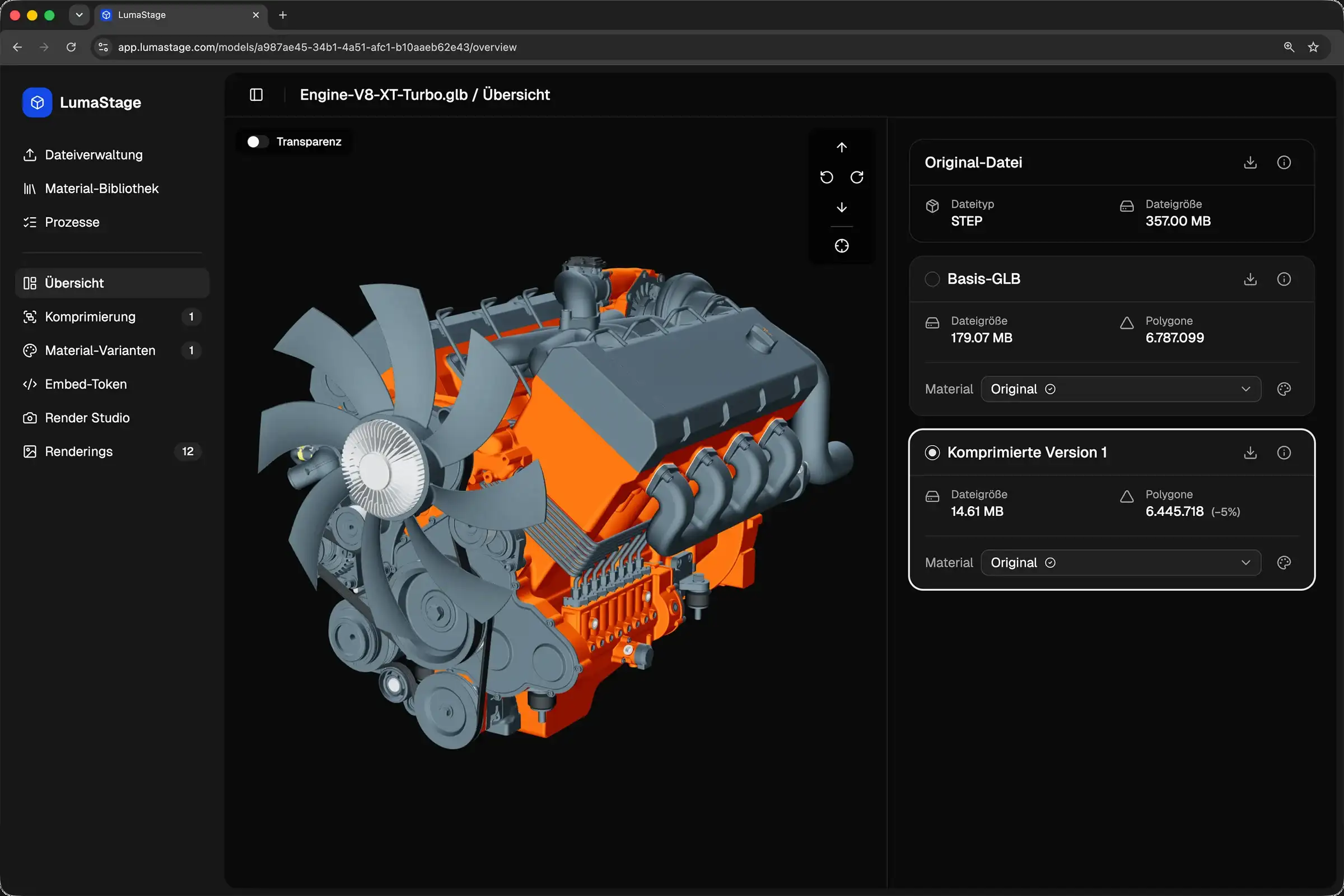
Import & optimization
185 MB → 3 MB. Automatically.
Drag and drop CAD, mesh or BIM. LumaStage reduces polygons, compresses textures and removes hidden interior geometry — with no manual pipeline.
- CAD/B-Rep (STEP, IGES), mesh (STL, OBJ, FBX …), BIM (IFC) and GLB
- Automatic polygon reduction, WebP textures and Draco compression
- Interior geometry removal via BVH and raycasting
- Version history: the original is preserved
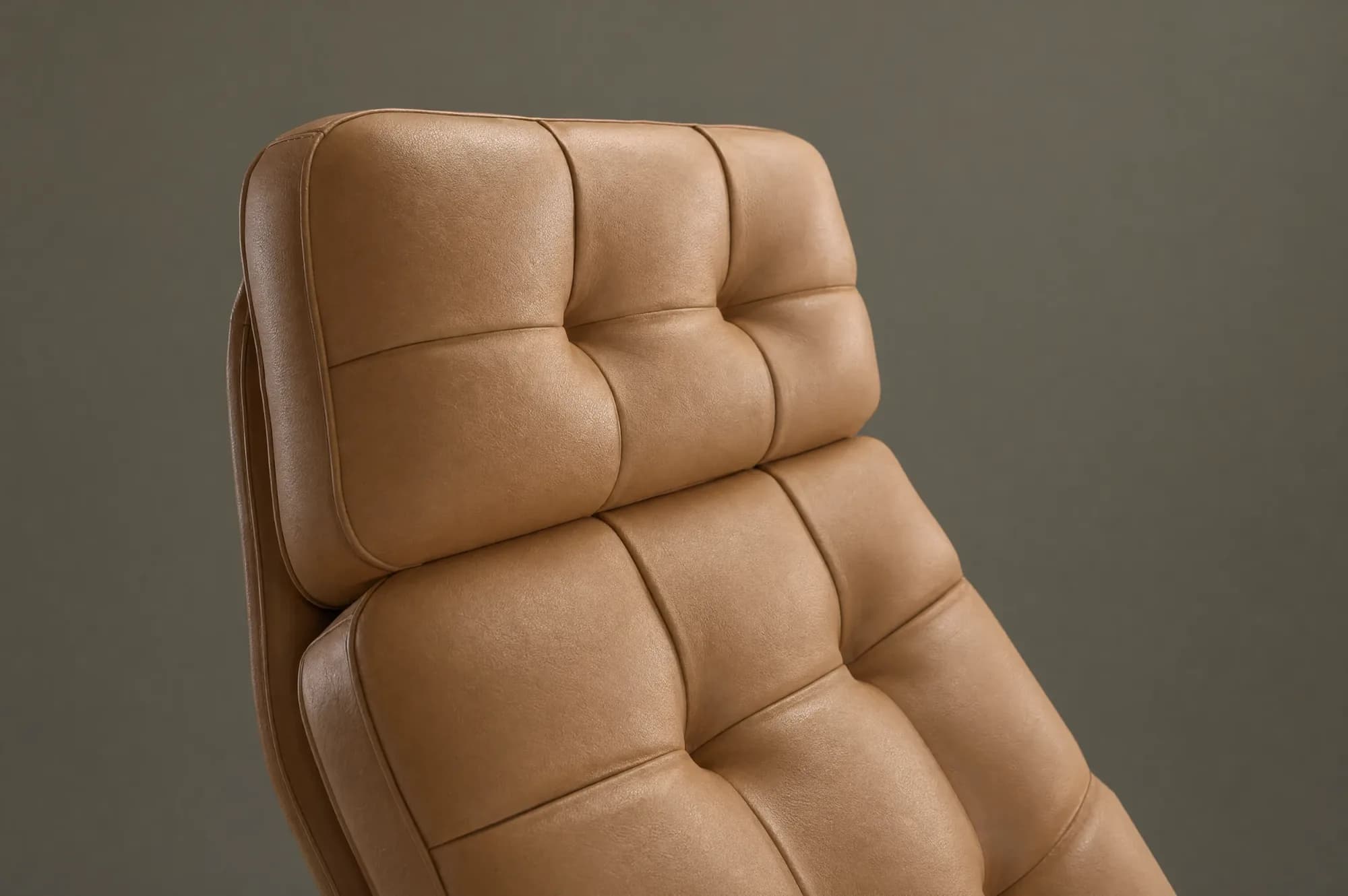
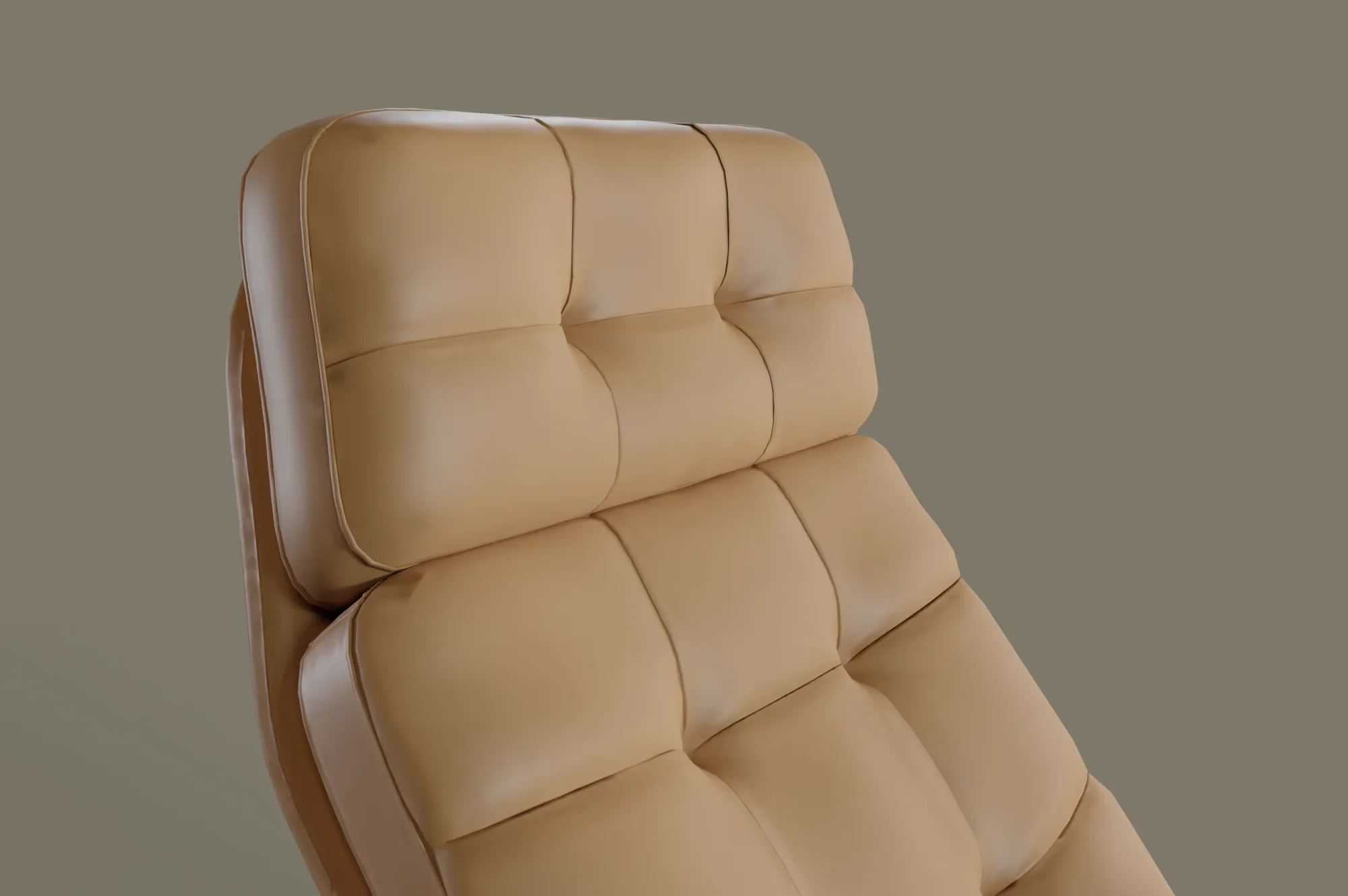
AI enhancement
Your rendering becomes a product photo.
One click turns your rendering into a photorealistic product photo. The original and the AI version are both kept.
- Photorealistic enhancement powered by GPT-Image
- Company-specific prompts for brand consistency
- Non-destructive: original and AI version side by side
- Cost and token tracking per enhancement
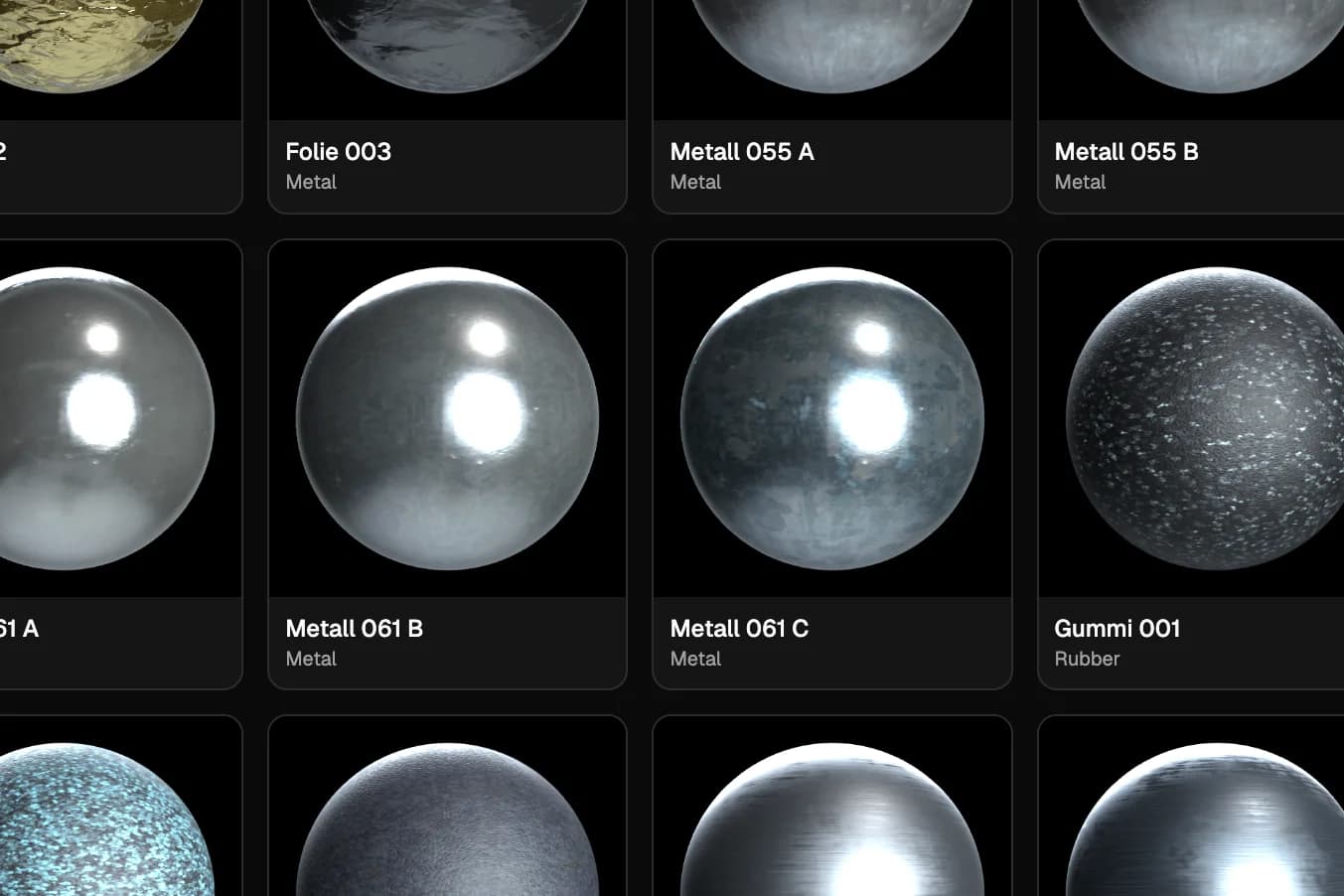
Materials & variants
One configuration. Unlimited variants.
Edit materials per mesh and save named variants — one of them as the default.
- Color, roughness, metallic, emission and opacity per mesh
- PBR textures (baseColor, normal, ORM)
- Tenant-wide material library with automatic propagation
- Live preview without reloading
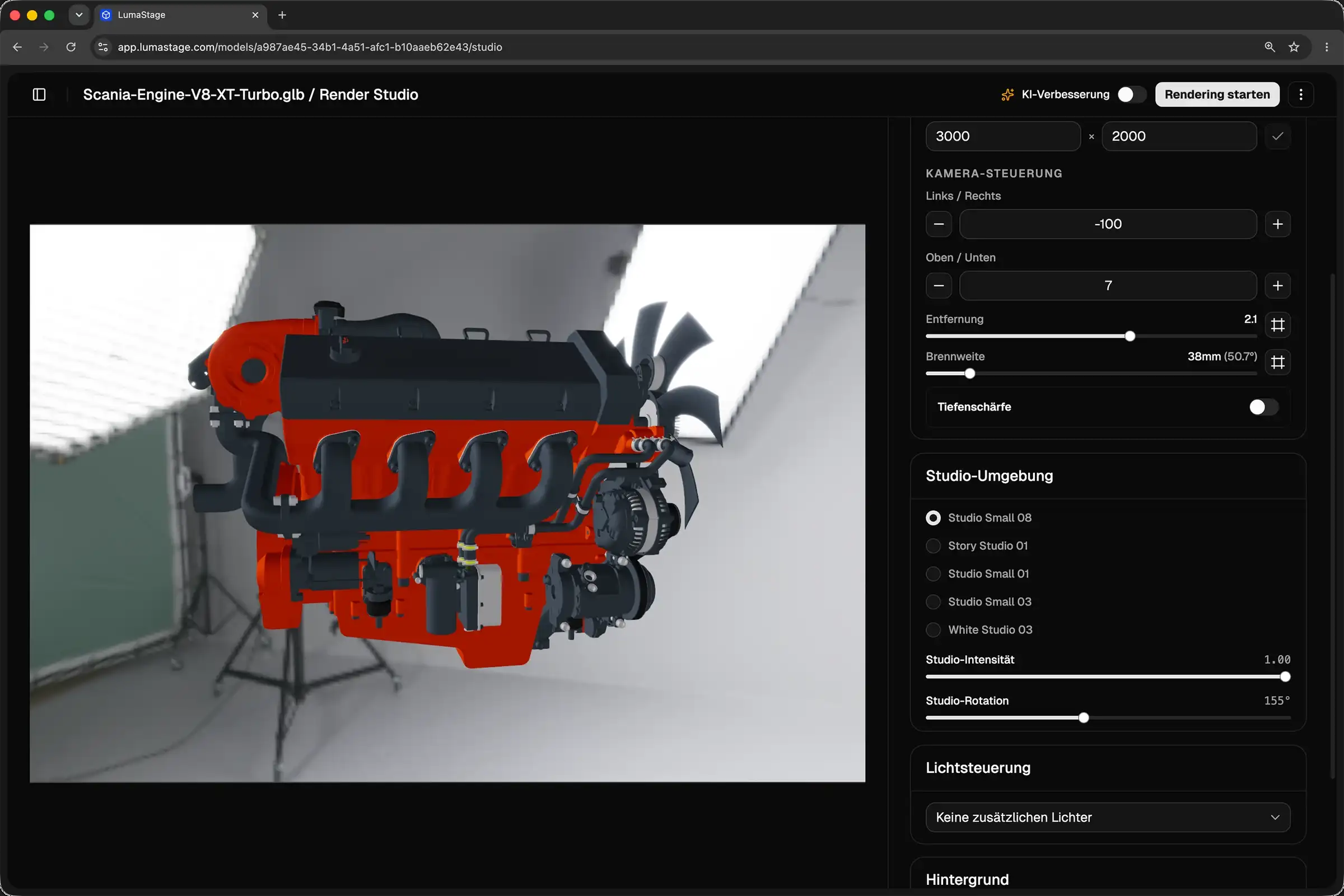
Render Studio
Studio and light presets. Start right away.
Set light, camera and environment directly in the browser — in real time, with no setup.
- Camera presets, free orbit control, depth of field f/1.0–f/22
- 5 light presets plus a light editor
- HDRI environments with intensity and rotation
- Post-processing: Bloom, SSAO, tone mapping (ACES)
Cloud rendering
Rendering runs. You keep working.
Blender Cycles renders server- or cloud-side in a job queue. Your workstation stays free.
- Blender Cycles — photorealistic renders
- GPU-accelerated: OptiX, CUDA, Metal
- PNG 16-bit RGBA at flexible resolutions
- Real glass via KHR_materials_transmission
Processes
1 rendering- Engine-V8.glbCycles
OptiX · flexible resolutions · PNG 16-bit
62% - Loungechair-Leder.glbCycles
Metal · flexible resolutions · PNG 16-bit
Queued - Turbolader-Baugruppe.glbCycles
CUDA · flexible resolutions · PNG 16-bit
Queued - Ventil-Baugruppe.glbCycles
OptiX · flexible resolutions · PNG 16-bit
2 min ago - Gehäuse-Deckel.glbCycles
OptiX · flexible resolutions · PNG 16-bit
8 min ago
Web embed & AR
Right on your website. No export.
Embed the 3D model token-secured via iframe — including AR on phones and tablets.
- Token-secured embed with domain whitelist
- AR via model-viewer (WebXR, Android, iOS Quick Look)
- USDZ export for Apple AR
- Ready-to-use embed code, configurable
Team & enterprise
Your product data. Your server. Your control.
LumaStage is not a single seat but a platform for the whole team — with roles, tenants and cost transparency.
- Multi-tenancy with strict data separation
- Roles (admin/user) and shared libraries
- Cost and token tracking, monthly quota capped
- GDPR-compliant, Made in Germany (Reutlingen)
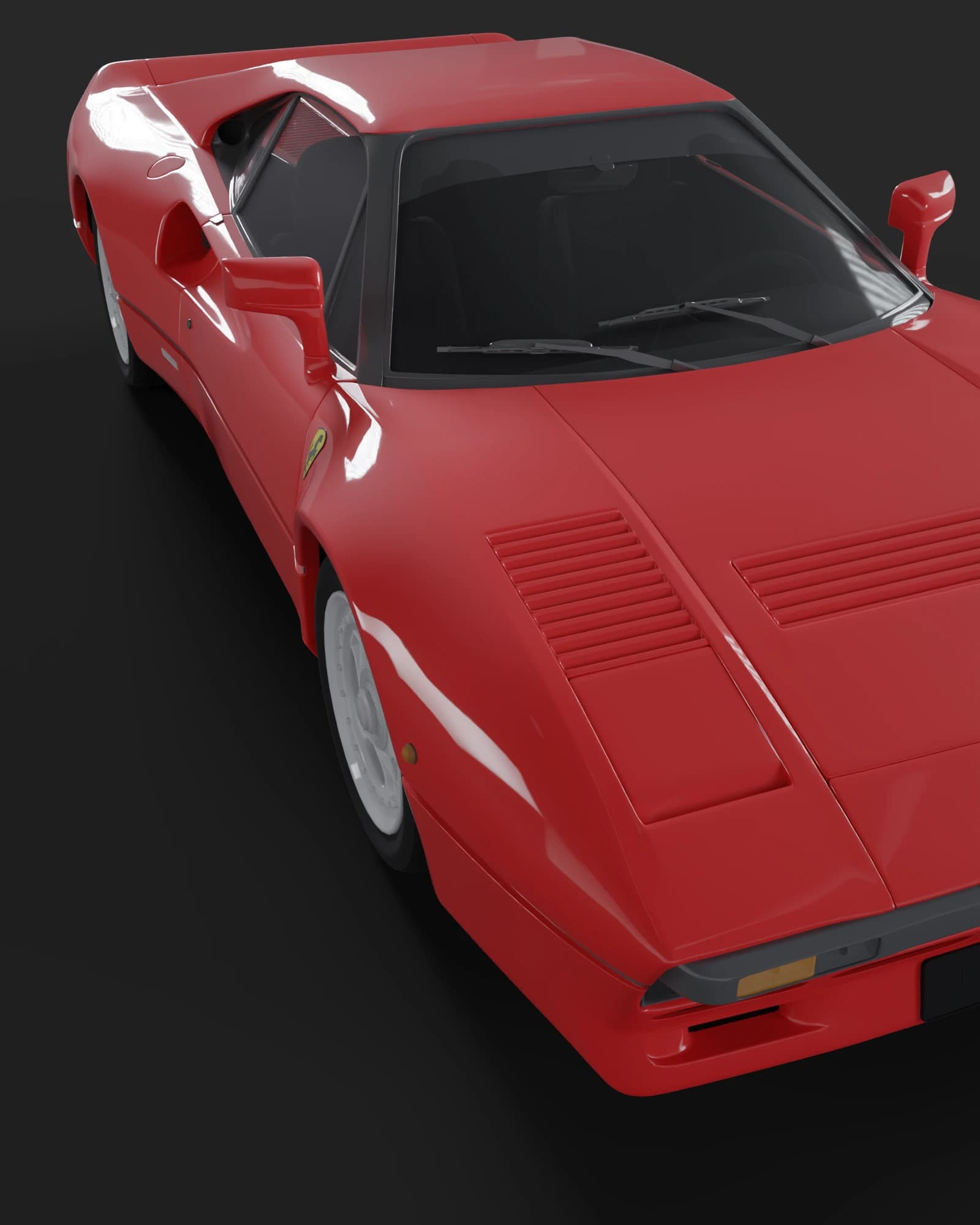
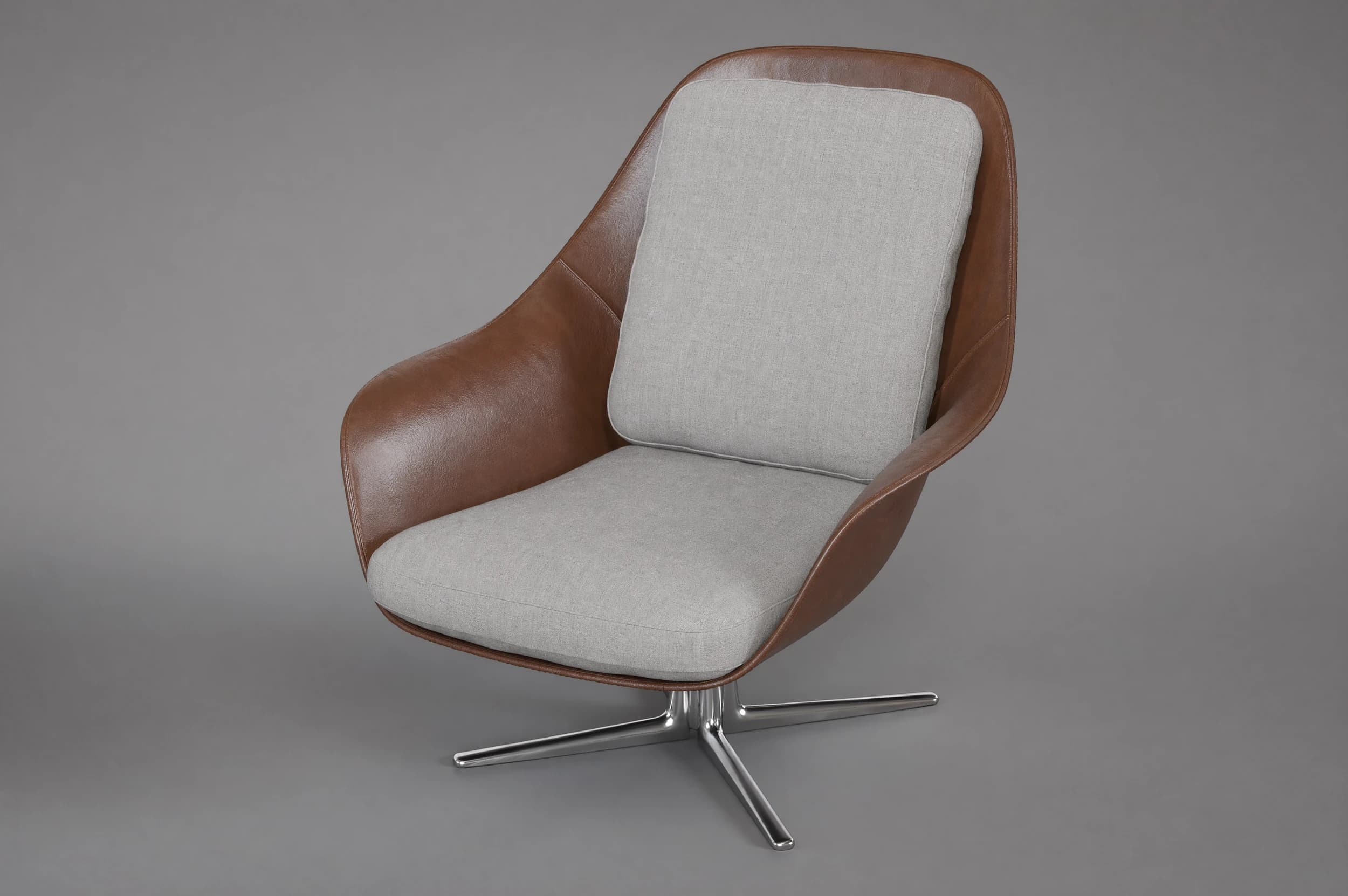
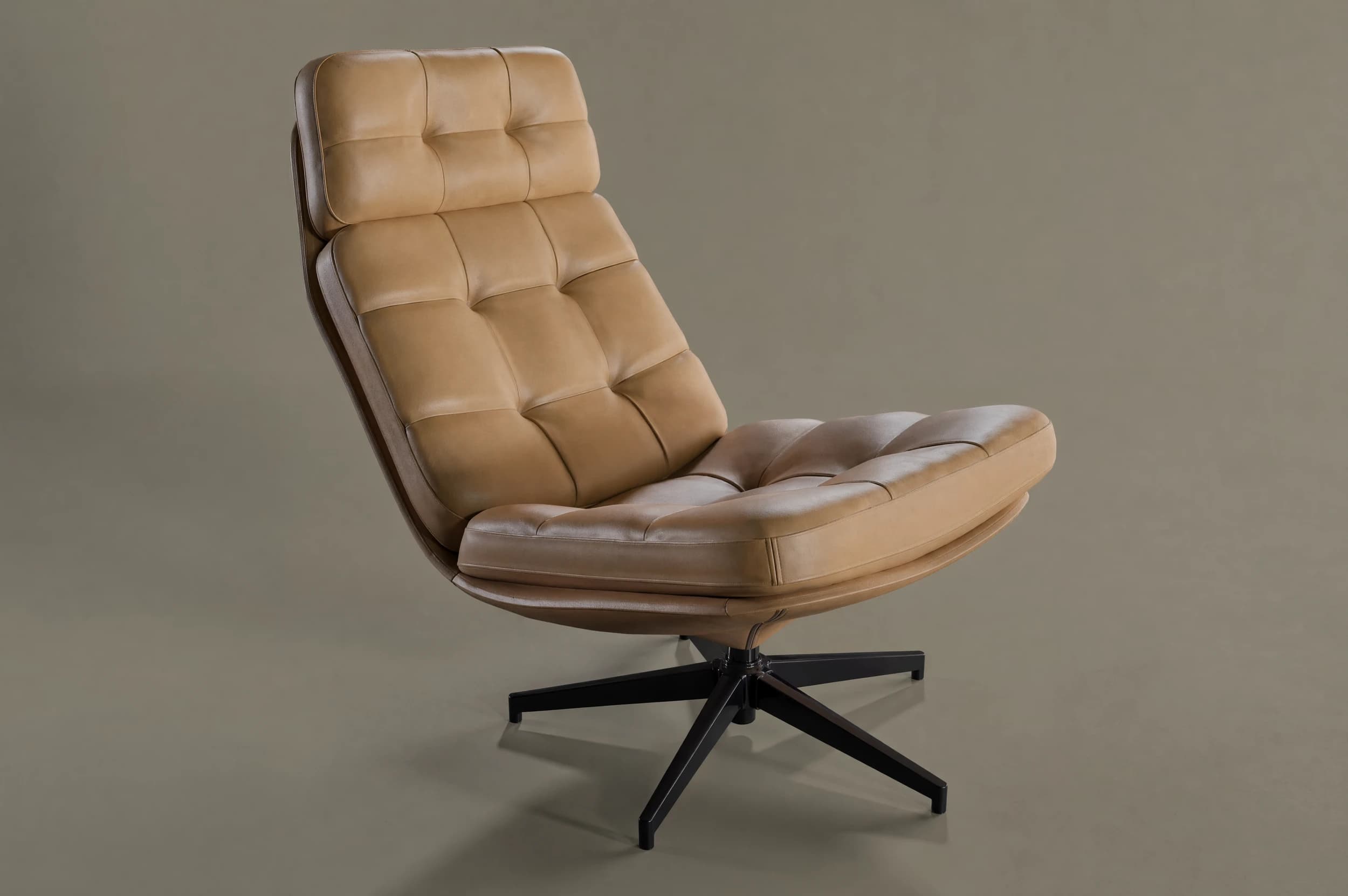
Gallery
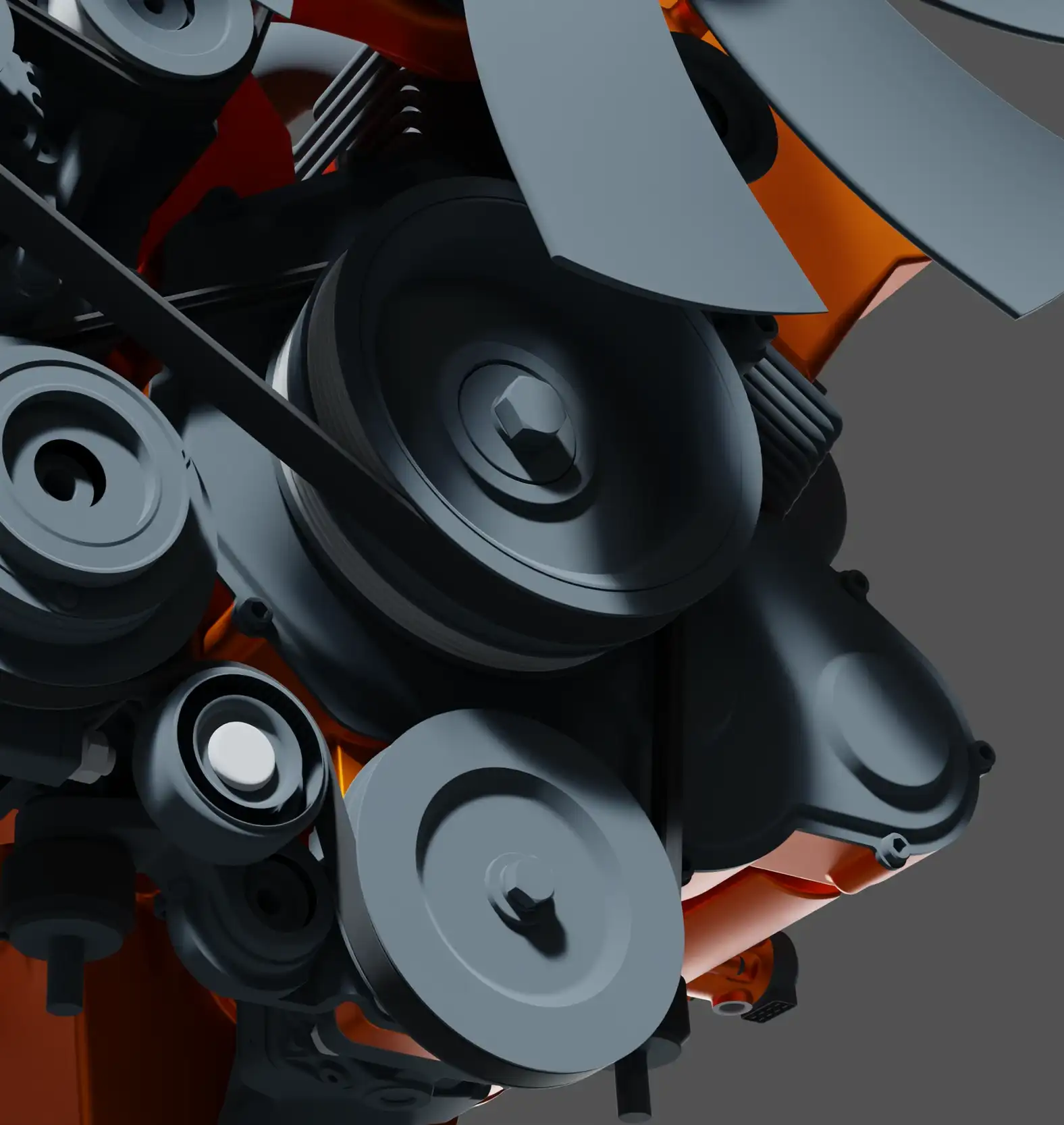
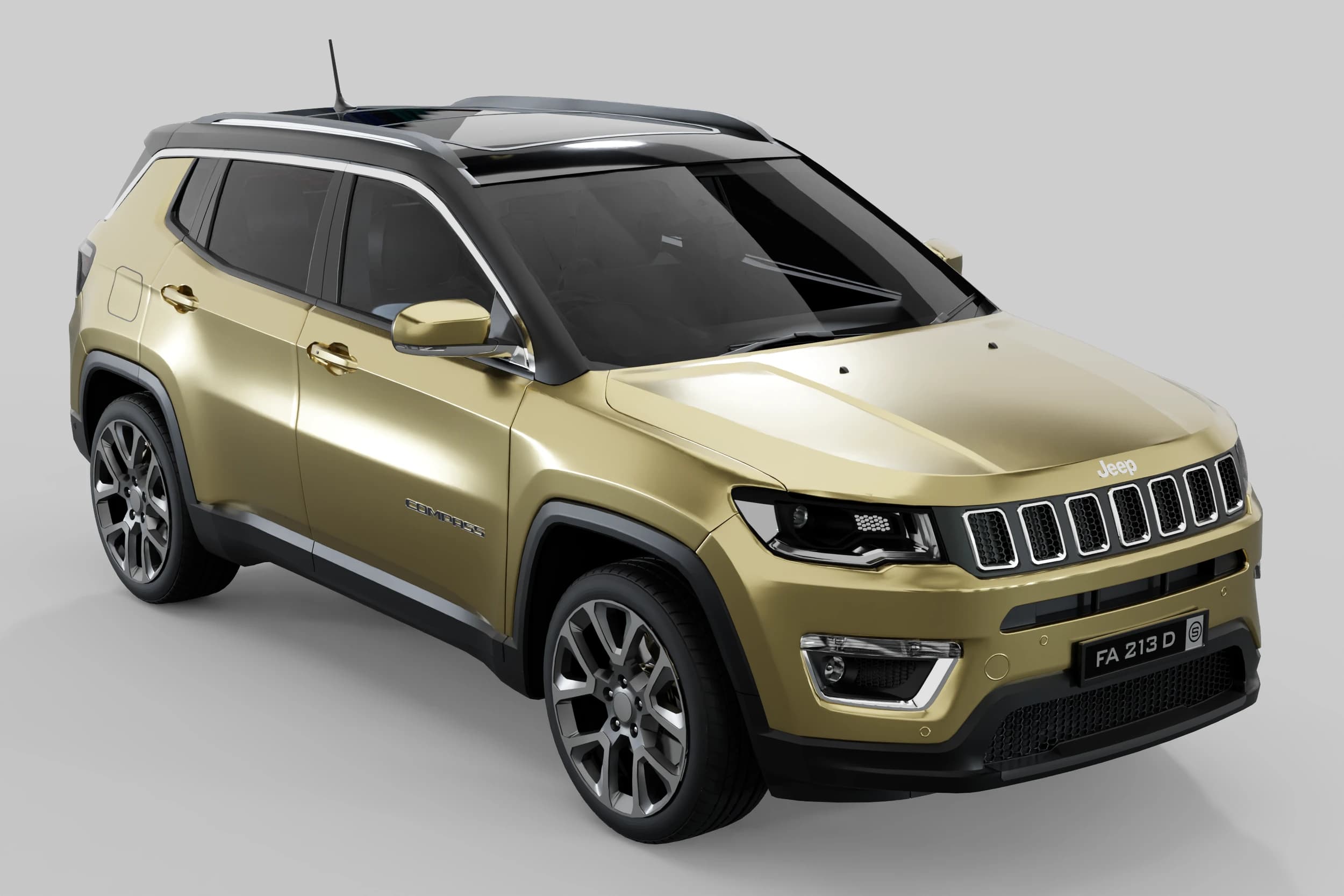
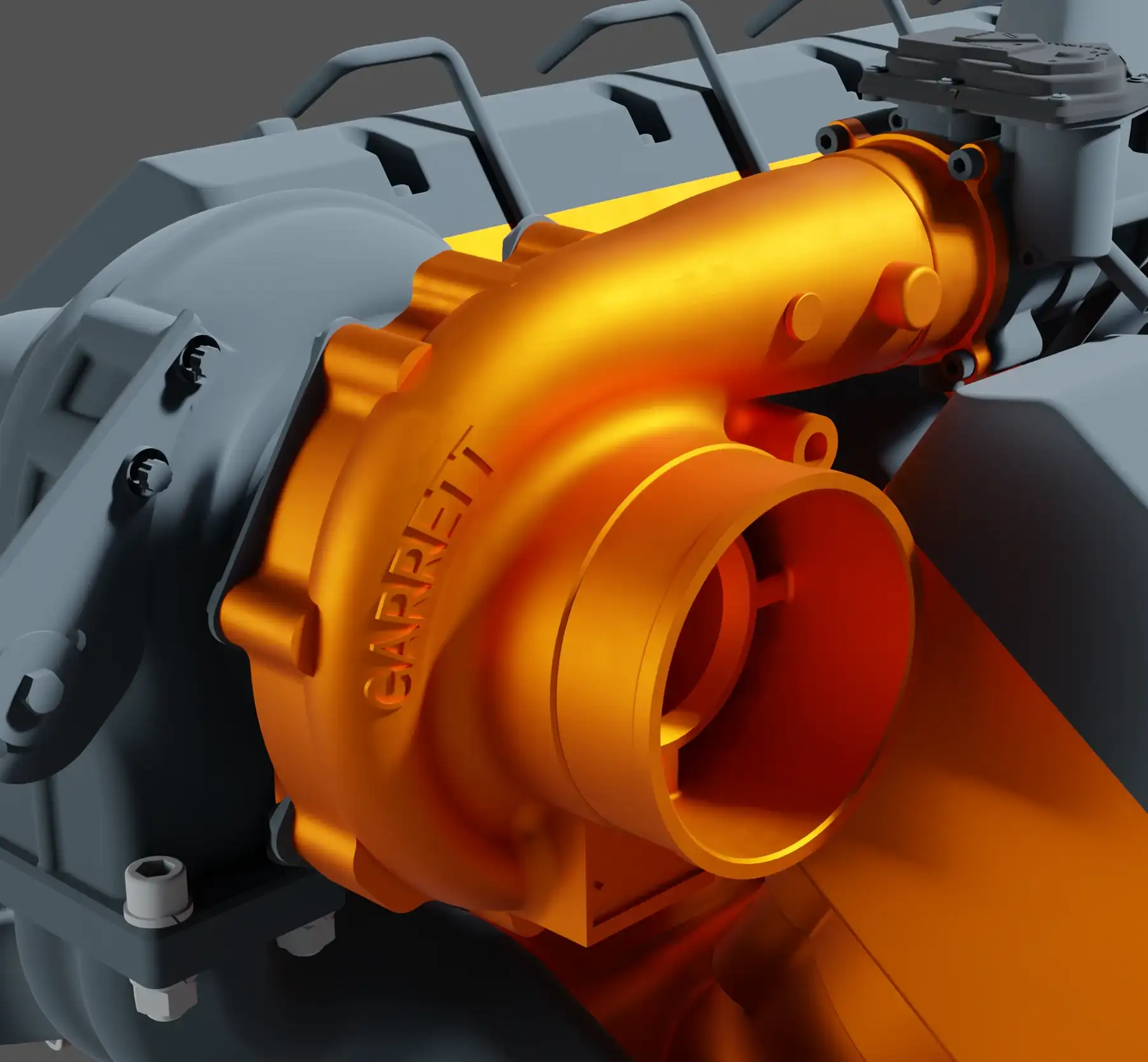
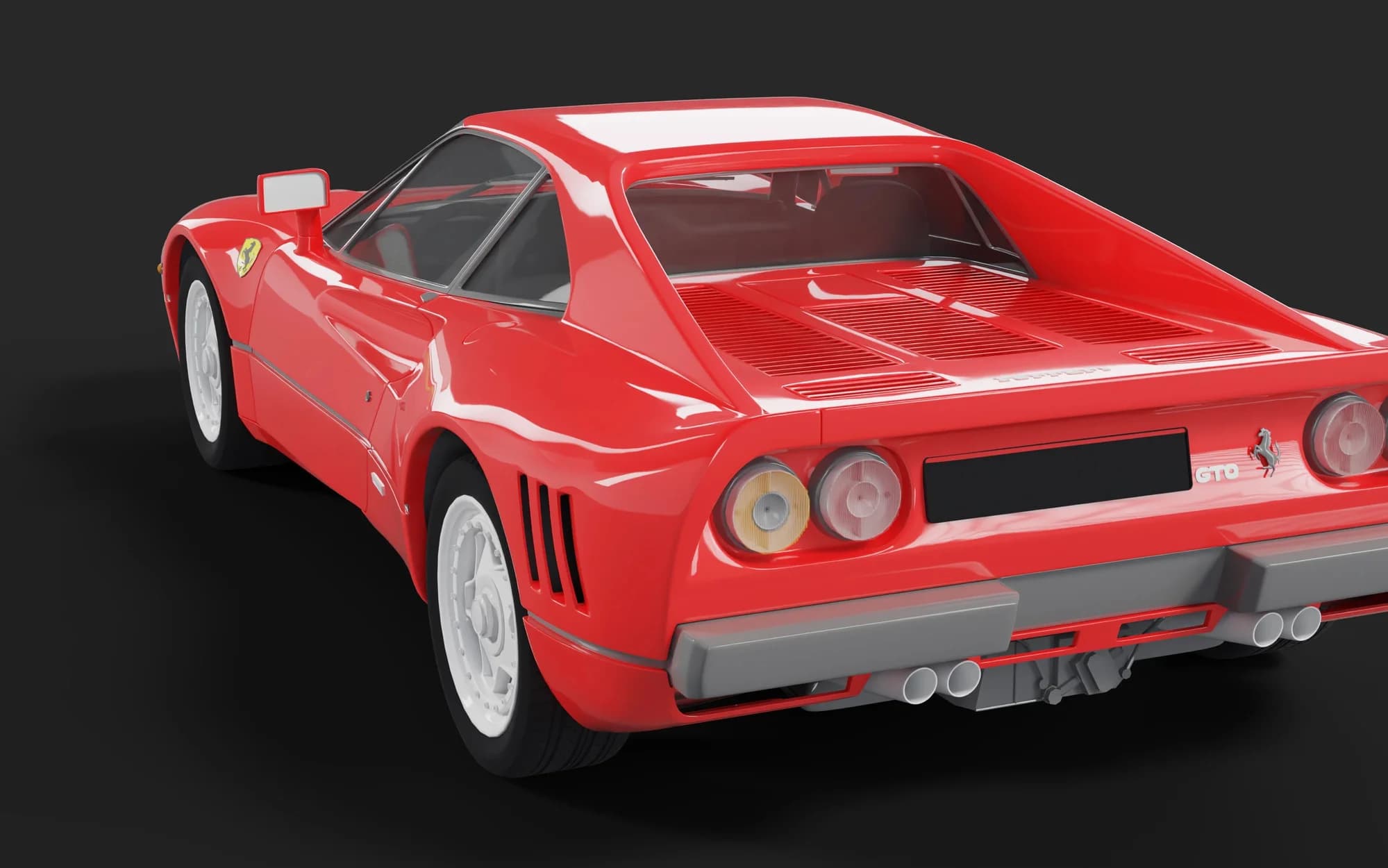
Renderings that speak for themselves
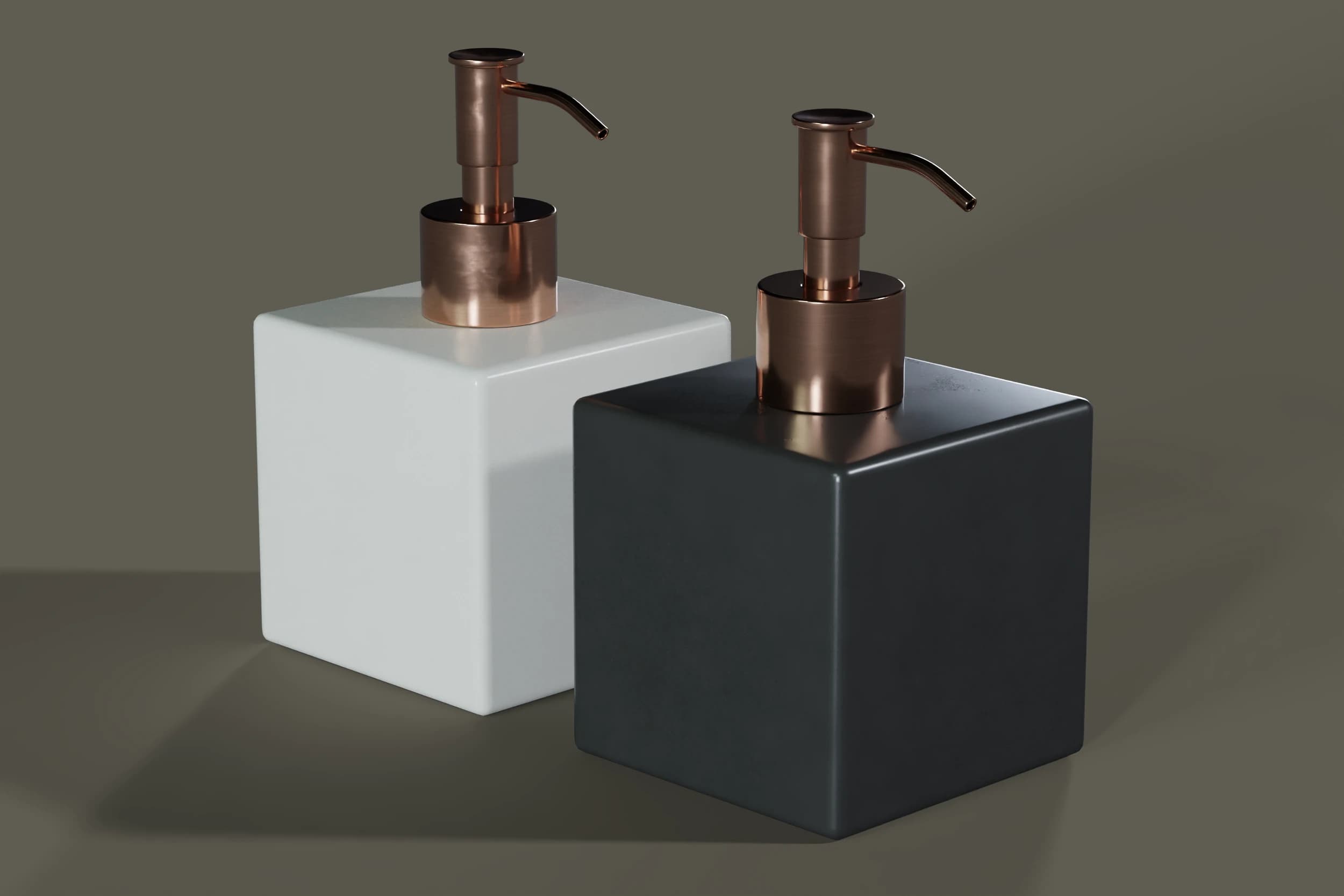
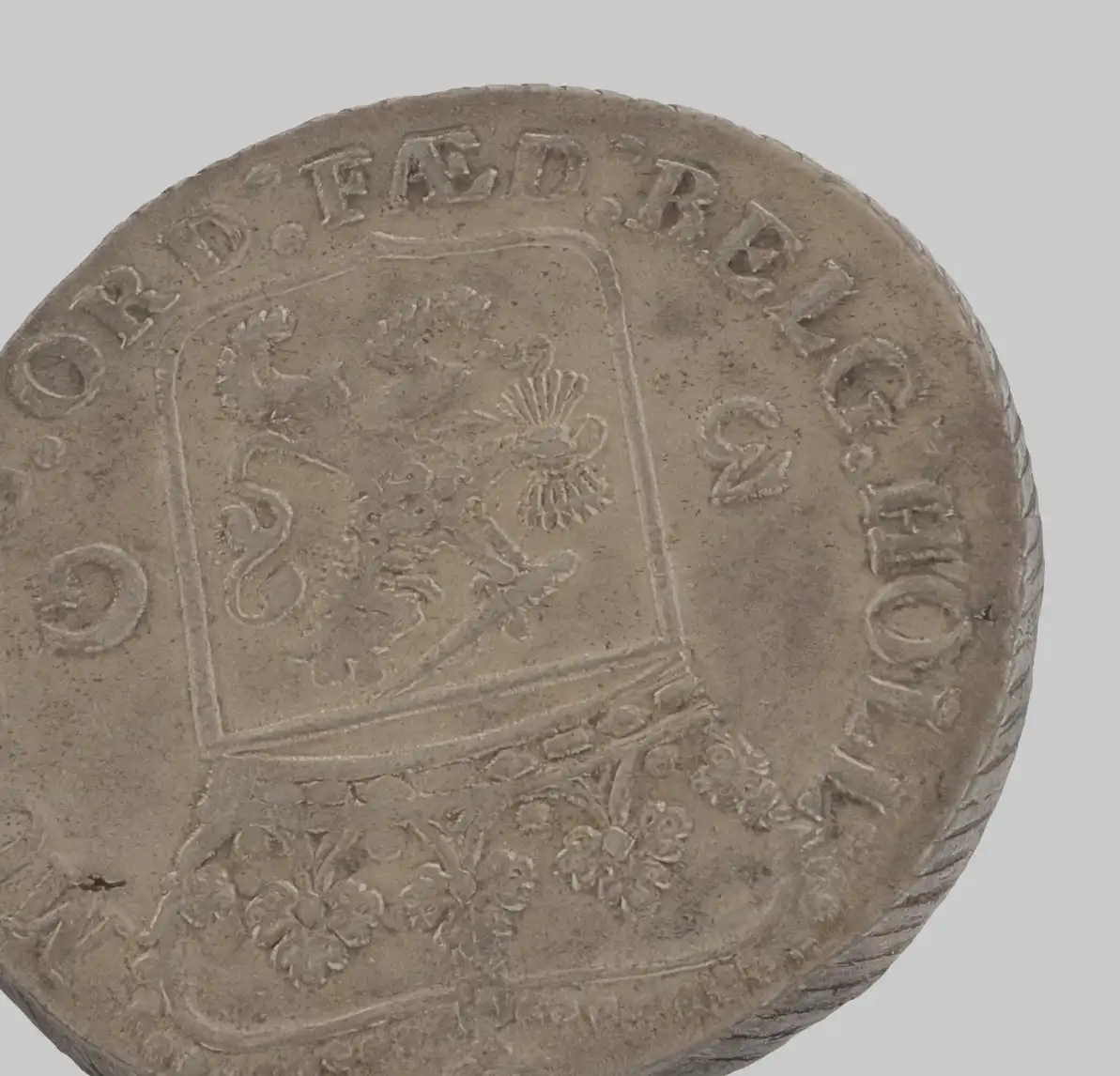
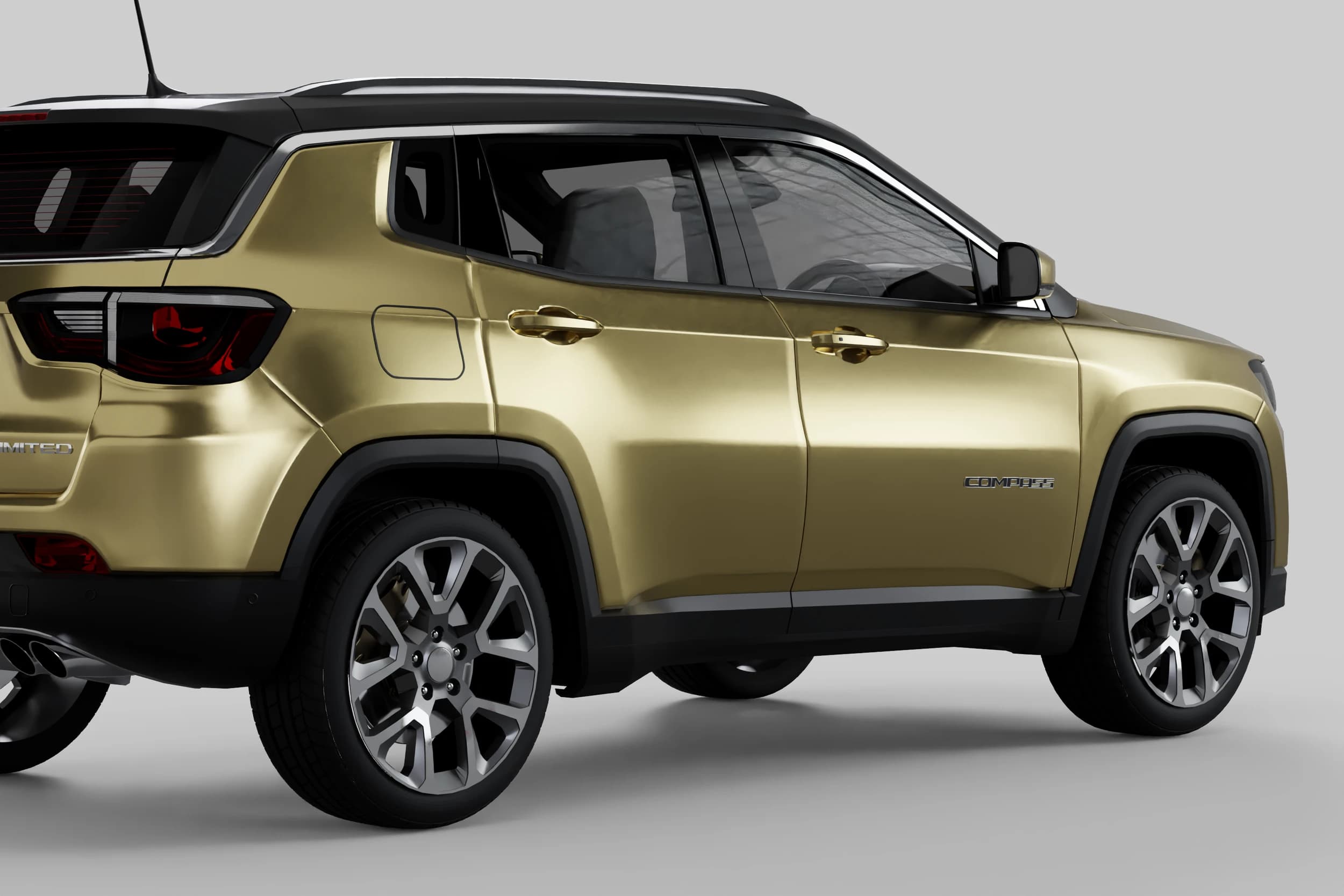
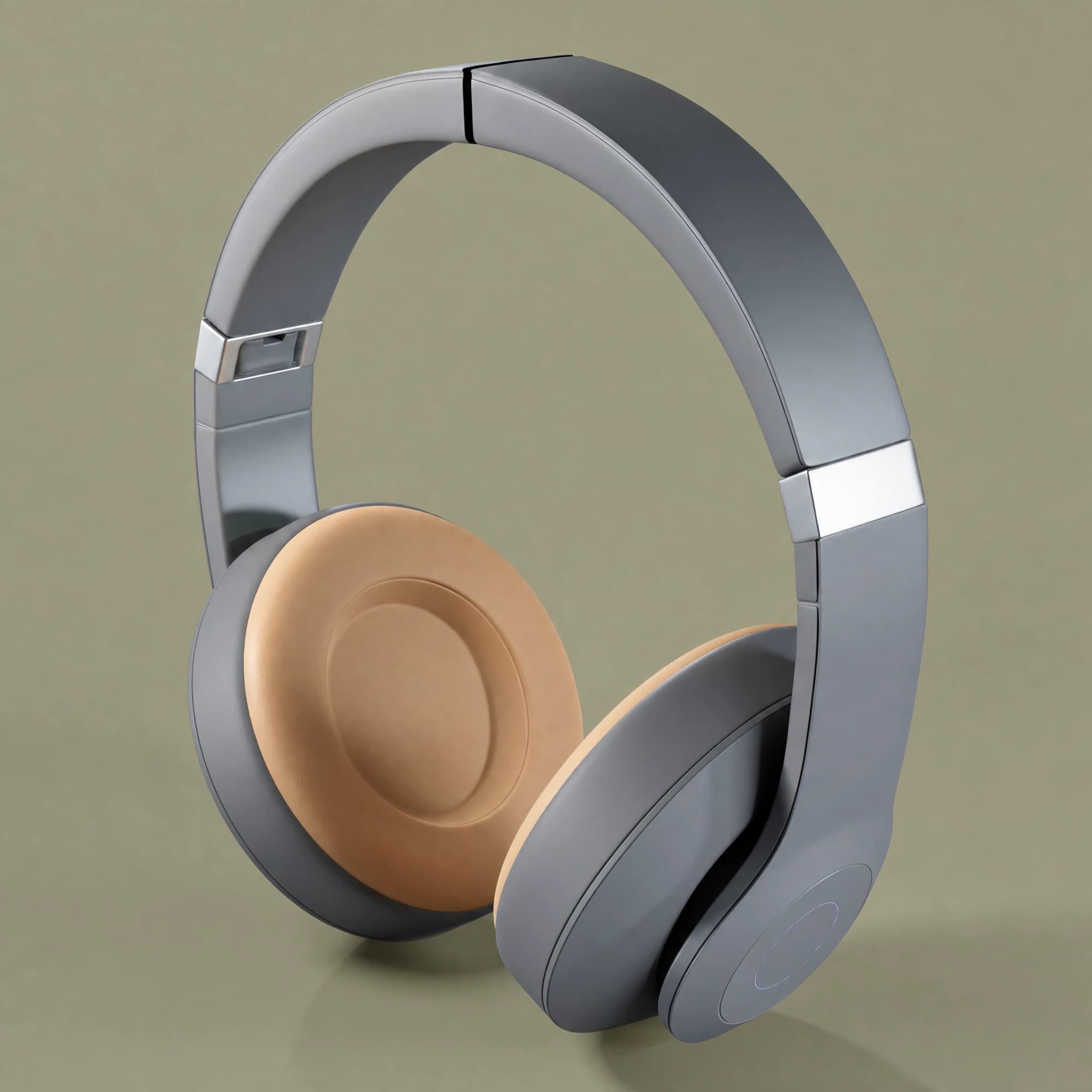
Finished results straight from LumaStage — from product shot to full scene.
FAQ
Frequently asked questions
Everything that matters before your first upload.
Ready to turn your 3D data into product images?
We show you the workflow with your own data — from CAD file to finished image.